Write your novel in pure markdown.
Plain Markdown files, a distraction-free editor, and one-click submission-ready manuscript exports.
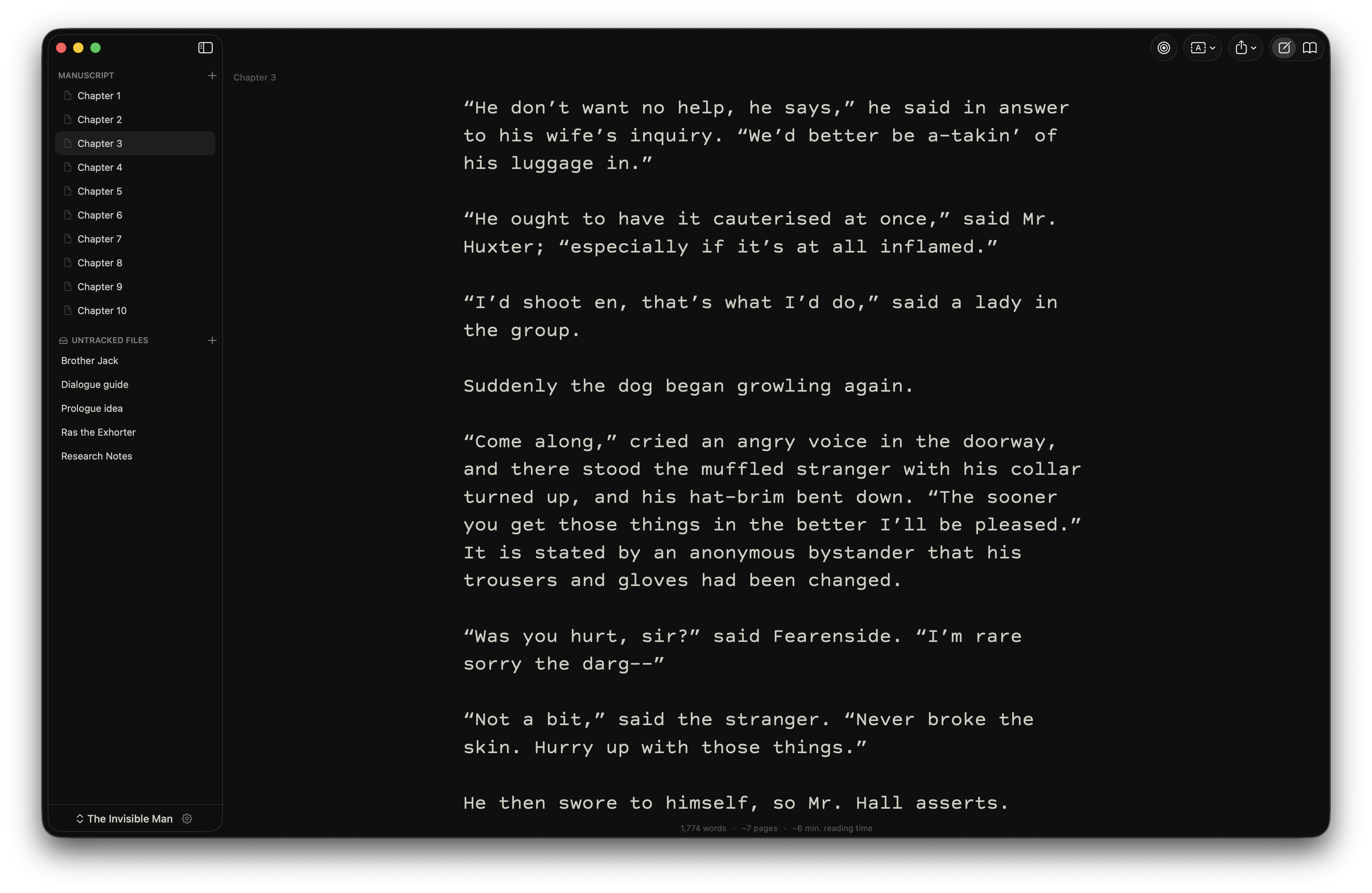
Write
Write without distraction.
Marmot's editor is built to get out of your way as you write. Inline syntax markers, no toolbars, no chrome — just your prose.
- Toggle focus mode to dim everything but the current sentence.
- Typewriter scroll keeps your cursor centered on the page as you write.
- Smart typography handles em-dashes, smart quotes, and ellipses as you type.
- Optimized for performance — write in projects with hundreds of thousands of words lag-free.
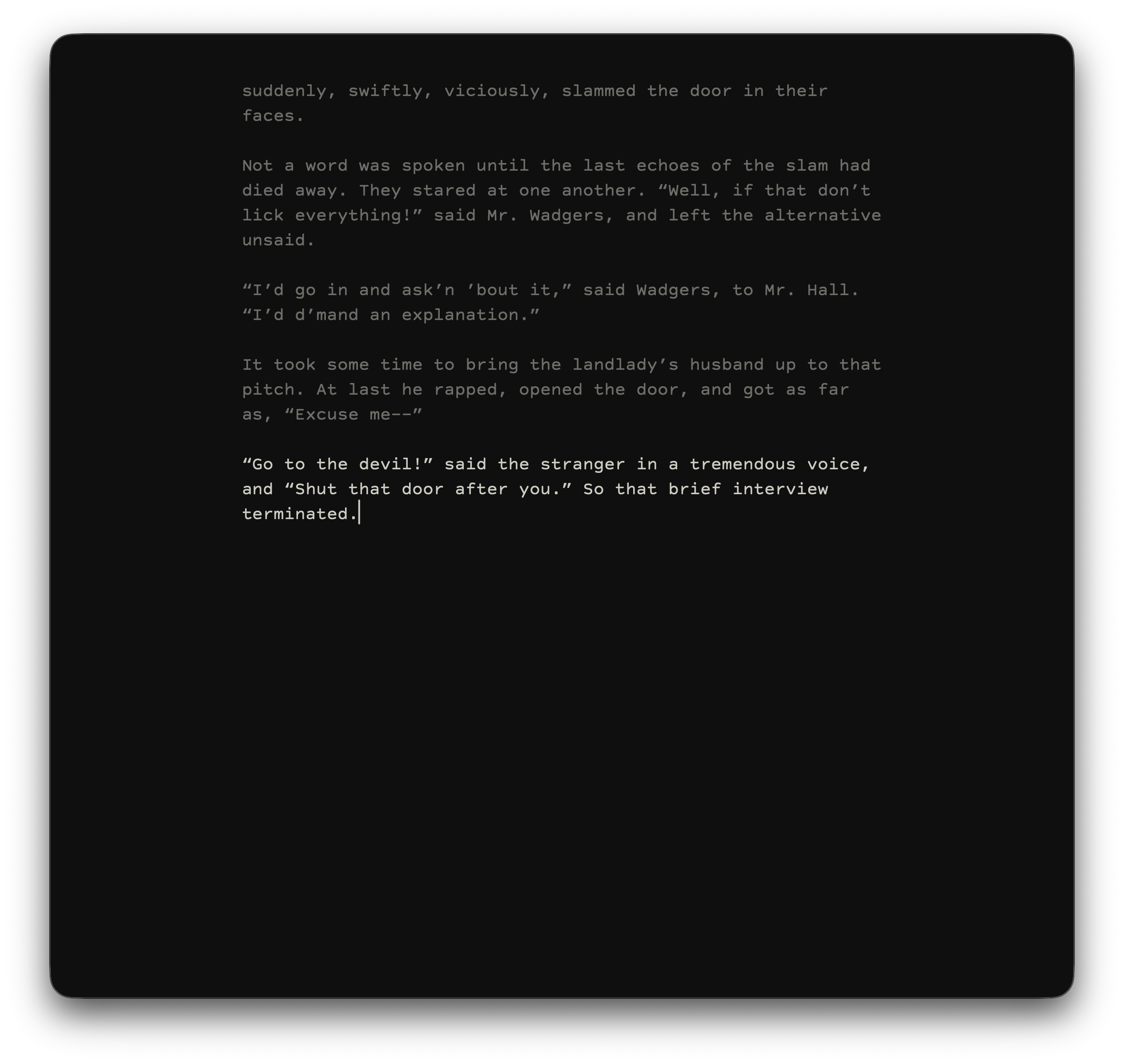
Read
Read your prose like a finished book.
Switch to reader mode any time to see your manuscript typeset like the printed page. Identify pacing problems and dense paragraphs before your editor finds them.
- Choose between three custom viewing styles.
- Skim whole chapters or zoom in on a single page.
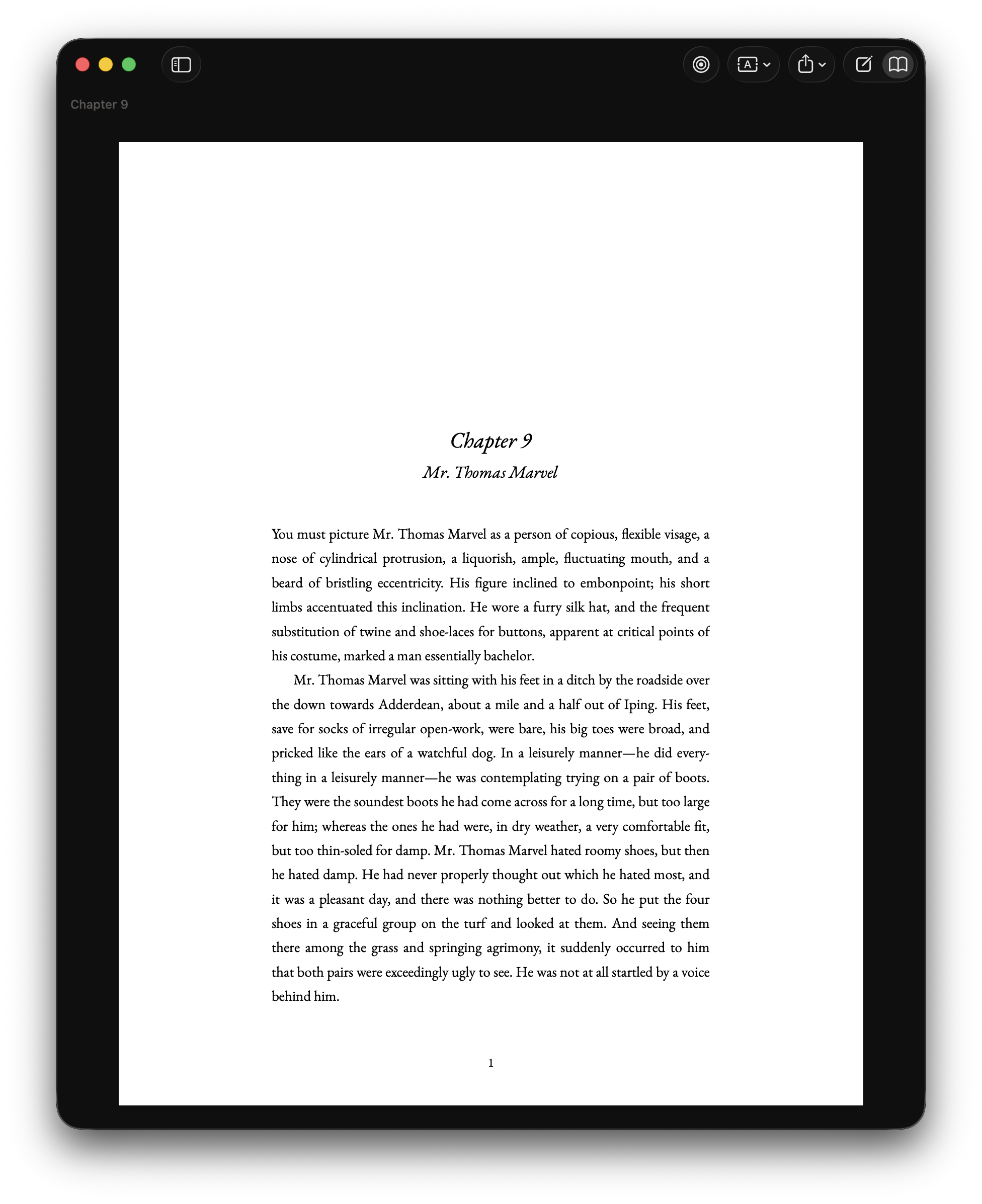
Export
Submission-ready, instantly.
One-click exports in industry standard manuscript formats, ready to submit to agents and publishers.
- Export as PDF or DOCX.
- Select and customize three unique export styles.
- Export individual chapters or the entire manuscript as one file.
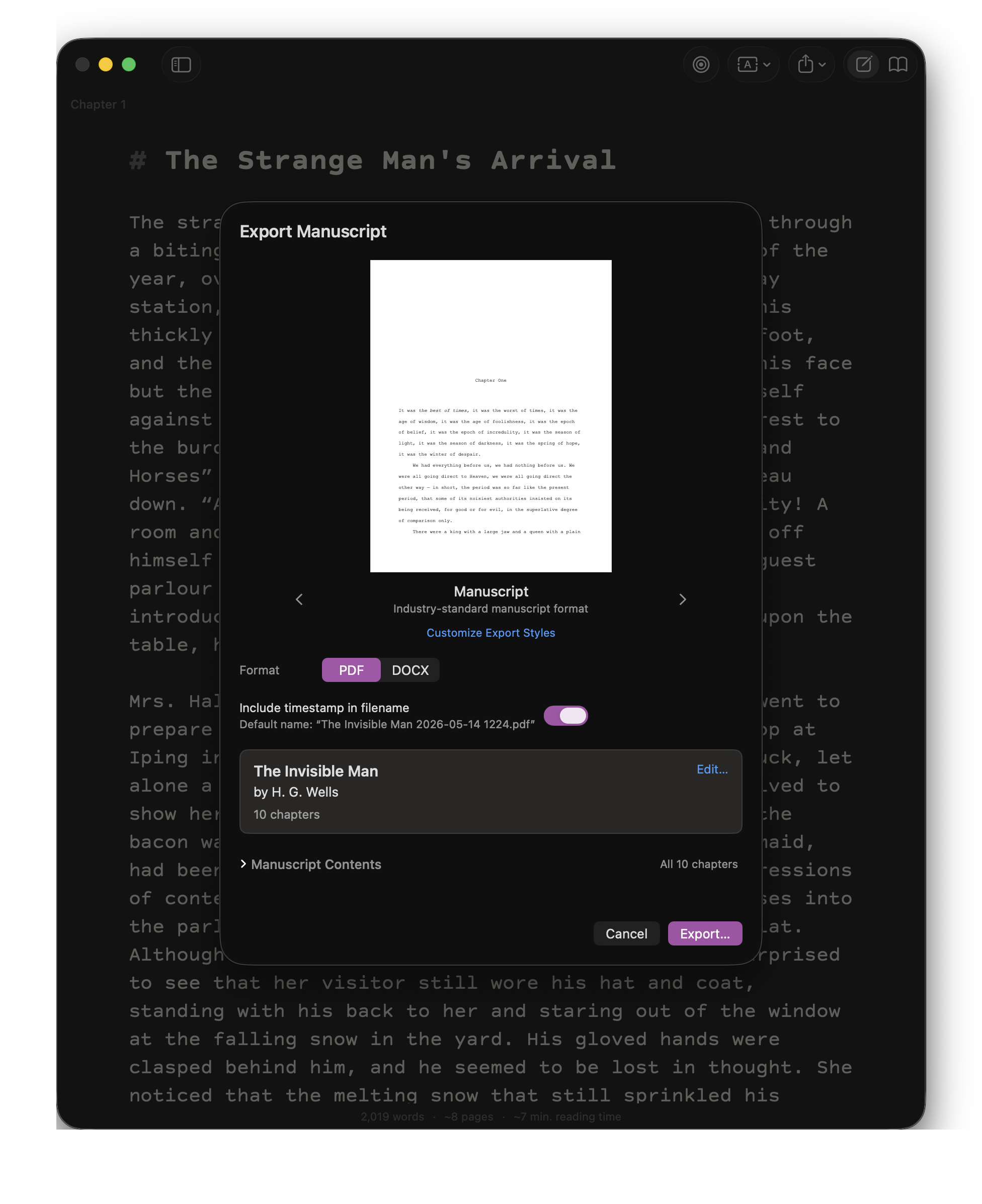
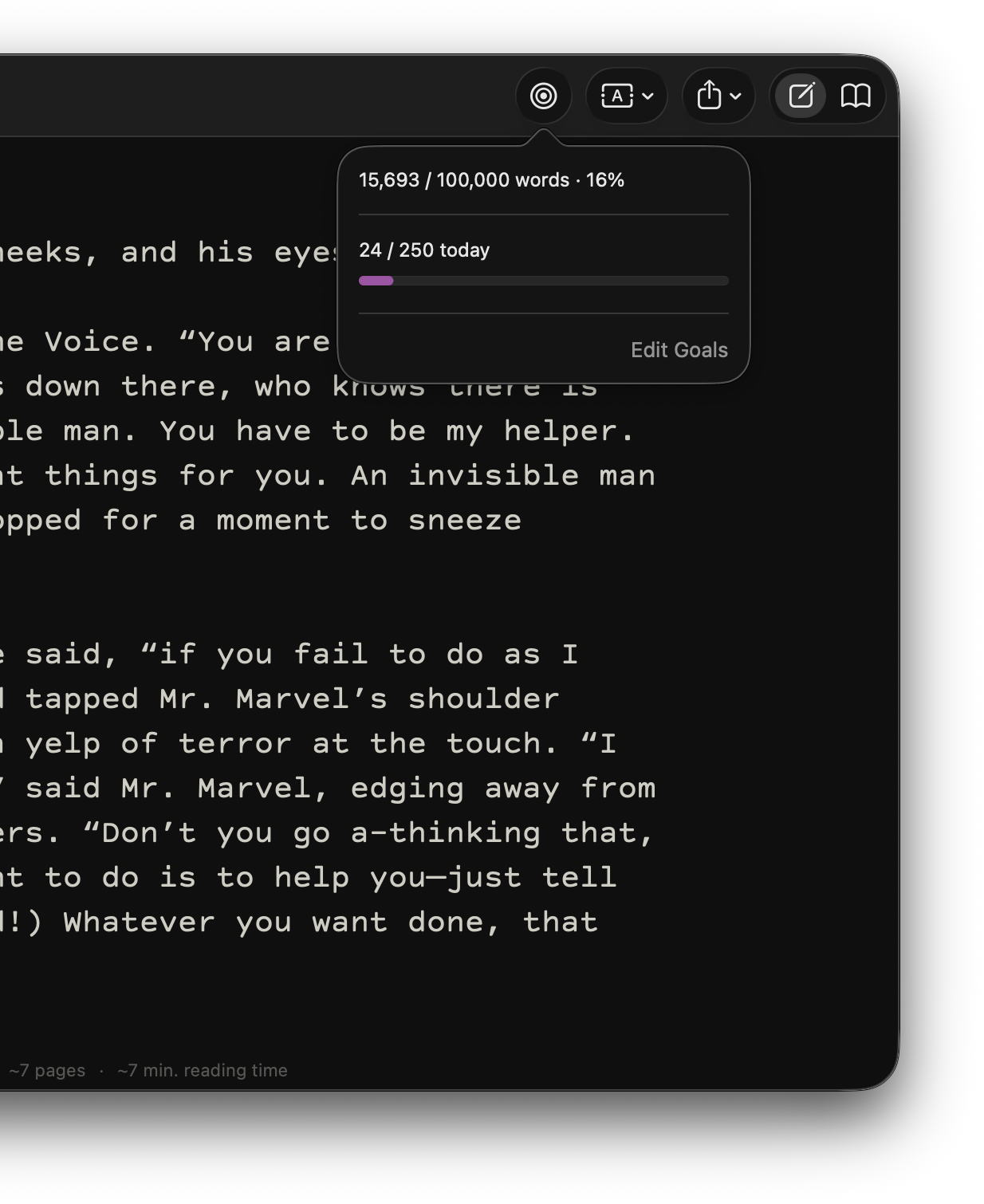
Goals
Stay on pace.
Set a manuscript word count and a daily target to track your progress at a glance.
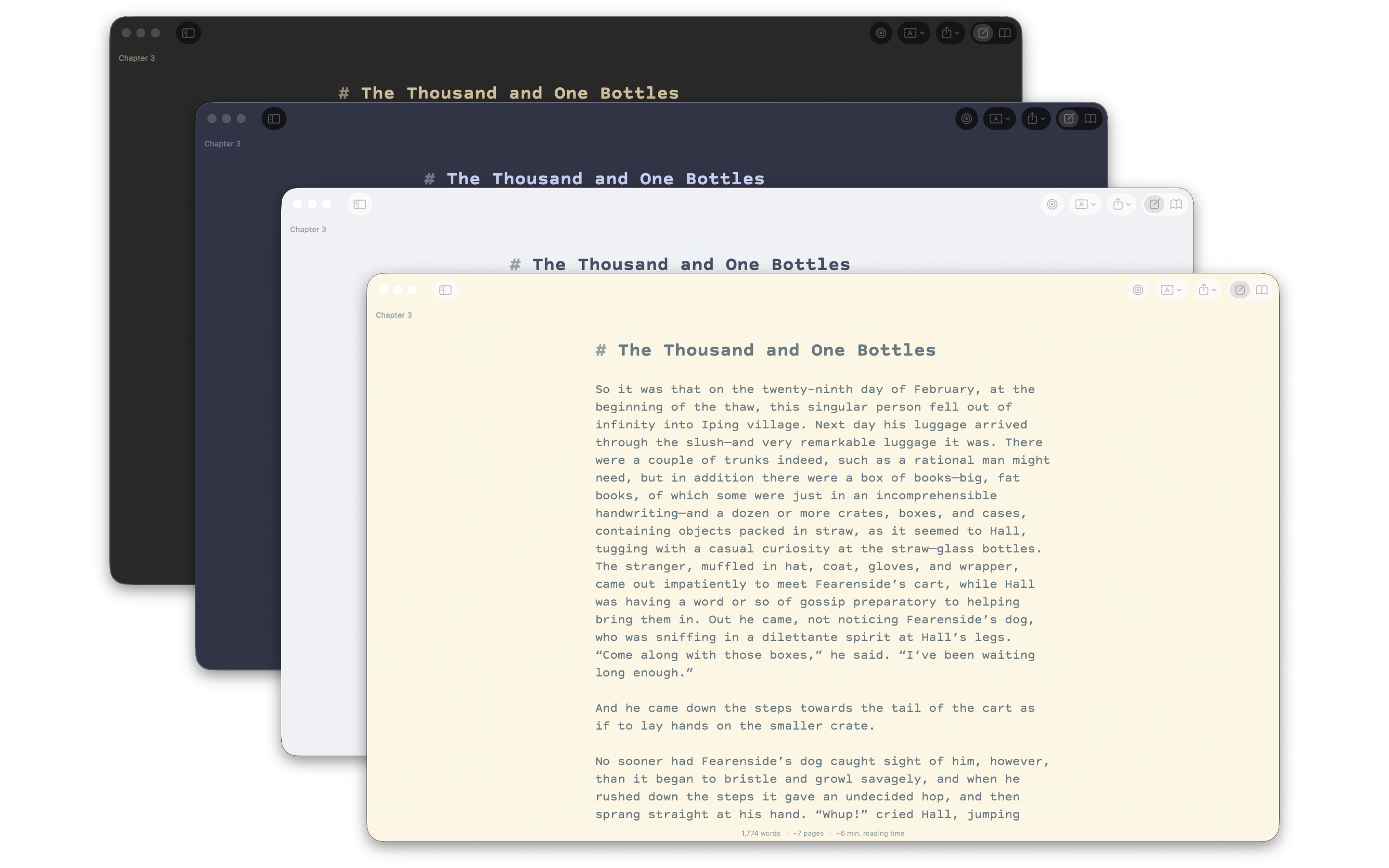
Themes
Make it yours.
Marmot ships with 15 carefully crafted light and dark themes, and has a built-in theme editor for customization.
Features
Built for the long form.
-
Plain Markdown files
Every manuscript is a folder of .md files on your Mac. Open them in any editor. Back them up however you like.
-
Submission-ready exports
One-click export in industry-standard manuscript format (PDF or DOCX) for submissions to agents and publishers.
-
Distraction-free editor
Lightweight, minimalist interface. Optional focus mode dims everything but the sentence you are writing.
-
A beautiful reader
Toggle to reader mode to see your prose typeset like a finished book.
-
Local-first, always
No accounts. No cloud. No telemetry. Your manuscript never leaves your Mac.
-
Optimized for performance
Built to handle projects with hundreds of thousands of words without lag — perfect for your next epic.
Why Marmot
Most writing apps are expensive and bloated. Here's how Marmot is different.
| Marmot | Other apps |
|---|---|
| Your novel lives in plain Markdown files — open it in any editor, anywhere. | Your work is locked in a proprietary database or filetype. If the app goes, so does your access. |
| One-time purchase. Buy once, own forever. | Indefinite monthly or annual subscription. |
| Purpose-built for novelists writing long-form fiction without distraction. | General-purpose writing apps, or apps with features you don't need to complete your manuscript. |
| No unnecessary AI features. | Generative AI shoehorned into your writing, whether you want it or not. |
| No accounts. No telemetry. Your files stay on your Mac. | Many writing tools require a cloud account; some collect usage data. |
"Other apps" is a generalization across the writing tools novelists most commonly choose between — any given app may differ on any given row. Reflects publicly available information at the time of writing.
FAQ
Frequently Asked Questions
How much does Marmot cost?
Marmot is available on the Mac App Store for a one-time purchase of $7.99 USD. No subscription or in-app purchases.
Is Marmot available on iOS/iPadOS/Web/Windows?
At this time, Marmot is a Mac-only app. Marmot runs on macOS 14 Sonoma or later, on both Apple Silicon and Intel Macs.
Does Marmot sync between my devices?
Marmot does not include built-in sync. By design — sync engines are a common source of data loss and frustration. Instead, put your manuscript folder in iCloud Drive, Dropbox, or a Git repository and let the tool you already trust handle it.
Where are my manuscripts stored?
On your Mac, in a folder you choose. Each manuscript is a directory of plain Markdown (.md) files with a marmot.json and order.txt manifest that store metadata about your novel. You can open the same files in any Markdown editor or version-control system.
What formats can I export my novel in?
Marmot currently supports exports in PDF and DOCX format, with export styles you can customize to your liking. If you want to convert your novel to EPUB, Marmot's built-in 'Simple' export theme creates a neatly formatted DOCX output that can be easily ported to dedicated EPUB formatting apps such as Atticus or Vellum.
Does Marmot collect any data?
No. Marmot has no analytics, no telemetry, no crash reporting service, and no account system. It does not make any network requests on your behalf.
How can I report a bug or request a feature?
Please email hello@marmotmanuscript.com with any questions, bug reports, or feature requests.
Why "Marmot"?
Marmots hibernate for nine months out of the year. It is widely believed they spend that time writing novels, though this is the subject of much debate within the Marmotological community.